
The Sage 200 Verify Link addon provides functionality to link from Sage 200 Suppliers back to the invoice in Verify. This functionality is provide by a Sage Addon.
Download the Sage 200 Verify Addon using the link below
https://invu.ftpstream.com/download/lPoFgECww8FChBzsd0WD/Verify/Verify%20Sage%20200%20Integration%203.2.sdbx
Open the Sage 200 System Administration Program (separate program to Sage 200)
Left-click Add-Ons, Right-click the white space and and choose Add New Add-On.
Select simple in Addon Install the wizard and click Next
Browse to select the Addon and click Next
On the Digital Signature tick the Trust check box and click next.
The Add-On is installed.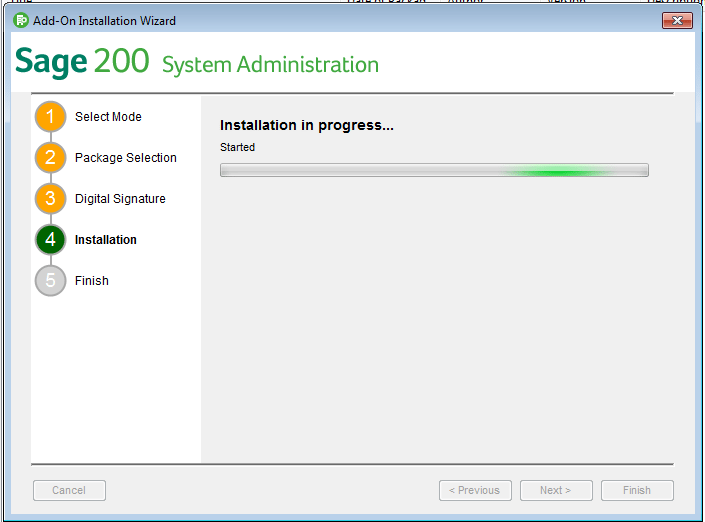
After installing the add-on, make sure users can access any new features by authorising the added features through the Features or Roles options.
Select Roles, Choose a user or admin role to assign the extra Sage features to.
Right click on a Role, choose Features
and select INVU Verify from the list of features.
Close the Sage 200 System Administration Program. The Link feature will now be active in Sage 200 for the User(s)/Role(s).
Comments
0 comments
Article is closed for comments.